The GitHub repo that upgrades your Copilot
A working tour of github/awesome-copilot: what the five resource types actually are (agents, instructions, skills, plugins, the cookbook), how to install one with a single CLI command, and the one file type that quietly makes Copilot follow your project's rules on every request. You'll leave with one instruction file added to a real repo and a prompt that turns your own coding habits into a reusable config.
- Time
- 20 minutes to install your first one, ongoing to build your own
- Tools
- GitHub Copilot, VS Code
- Keyword
- COPILOT
Know why raw Copilot underperforms before you fix it
Most people install Copilot, get decent autocomplete, and assume that's the ceiling. It isn't. Out of the box Copilot knows nothing about how your team writes code, which patterns you've banned, or what 'done' looks like on your project. So it guesses, and you correct it by hand every single time. github/awesome-copilot is a community collection that fixes exactly this: reusable configuration you drop into a repo so Copilot stops guessing. The repo is maintained under GitHub's own org, and the customizations inside are contributed by third-party developers, so treat it like any dependency and read a file before you trust it. Content here is summarised from the repo's own README.
Learn the five things actually in the repo
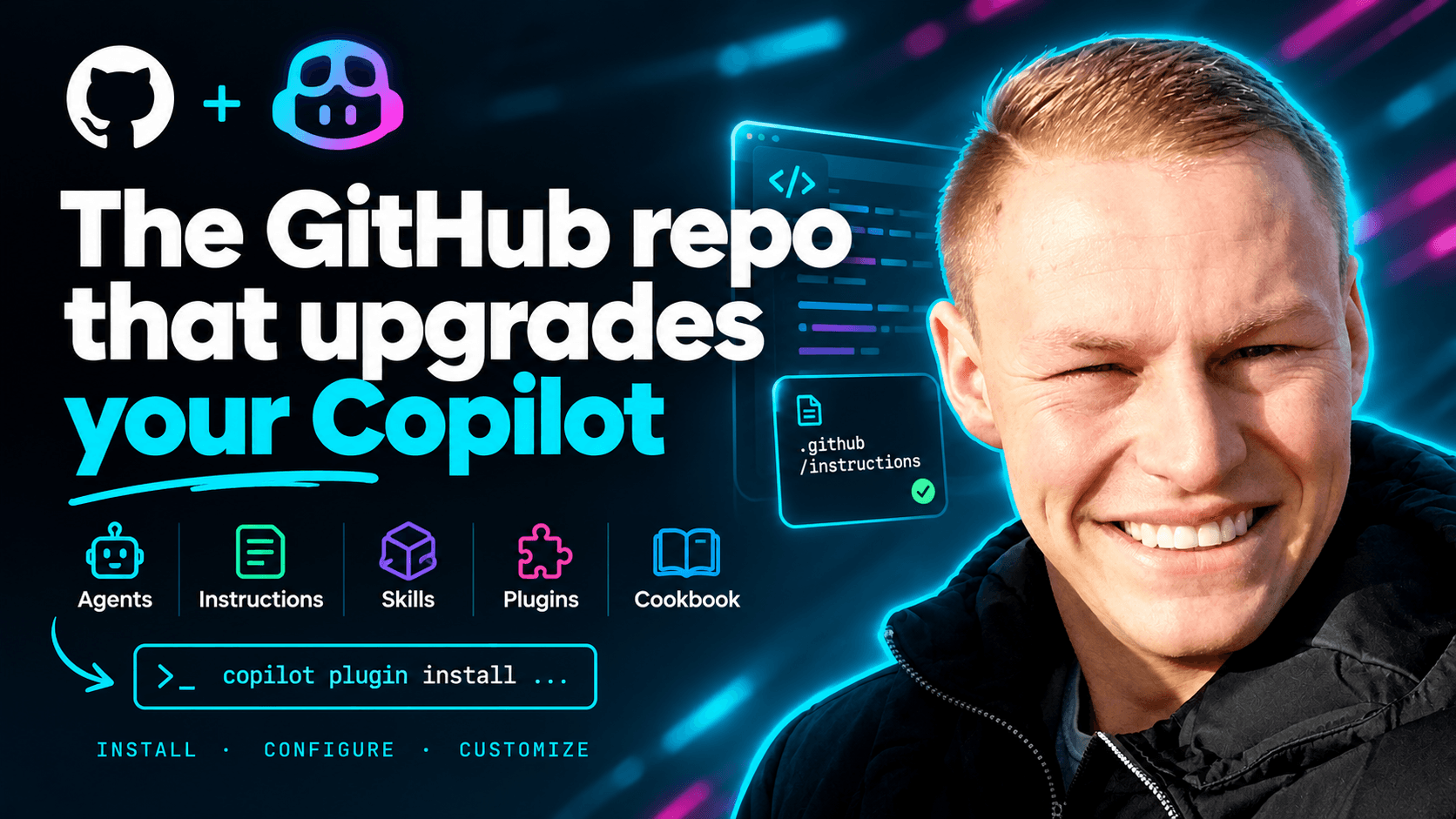
The repo splits into five resource types, and knowing which is which saves you a lot of confusion. Agents are specialised Copilot personas that wire up to external tools via MCP servers. Instructions are coding standards that get applied automatically based on file pattern, so a rule can fire only on your test files, say. Skills are self-contained folders bundling instructions plus any assets they need. Plugins are curated bundles of agents and skills for a whole workflow, installable as one unit. The Cookbook is copy-paste recipes for working with the Copilot APIs directly. For your first win, ignore four of these and focus on Instructions, because it's the highest-value, lowest-effort one.
Install a plugin with one command
The fastest way to feel the difference is to install a plugin. In recent Copilot CLI and VS Code setups the Awesome Copilot marketplace is already registered, so you run one command with the plugin name. If your setup is older and errors that the marketplace is unknown, you register it once, then install. Swap the bracketed name for a real plugin from the repo's plugin list. Run this in a real project you're working on, not an empty folder, so you can see it change actual suggestions.
Copy-paste prompt# If the marketplace is already registered (most recent setups): copilot plugin install [PLUGIN-NAME]@awesome-copilot # If you get an "unknown marketplace" error, register it once first: copilot plugin marketplace add github/awesome-copilot copilot plugin install [PLUGIN-NAME]@awesome-copilotAdd one instruction file and watch Copilot follow your rules
This is the step people sleep on, and it's the one that changes how you work. An instruction file is a short markdown file that tells Copilot the standards to apply, and it can be scoped to fire only on files matching a pattern. Browse the repo's instructions list, find one for your language or framework, and drop it into your project's .github/instructions folder (or copy the rules into a .github/copilot-instructions.md file for a repo-wide version). Now every Copilot request in that repo silently respects those rules without you re-typing them. Read the file first so you know exactly what it's telling Copilot to do, then commit it so your whole team gets the same behaviour.
Turn your own habits into a custom instruction file
The real unlock isn't downloading other people's configs, it's writing your own. You already have opinions about how your code should look, you just enforce them manually. Make Copilot extract them. Paste a representative file of your own code into the prompt below and let the model reverse-engineer your conventions into a reusable instruction file. Then you review it, cut anything wrong, and commit it. This is exactly the find-investigate-build loop you can film: install one from the repo, then show building your own from scratch.
Copy-paste promptYou are helping me write a GitHub Copilot instructions file that captures how I actually write code, so Copilot follows my conventions automatically. Here is a representative sample of my code: <my_code language="[LANGUAGE/FRAMEWORK]"> [PASTE ONE REAL FILE YOU'RE PROUD OF] </my_code> And here are rules I know I care about but may not have shown above: <explicit_rules> [e.g. "never use default exports", "tests colocated with source", or write "none" ] </explicit_rules> Rules for you: - Derive conventions ONLY from what you can actually observe in <my_code> plus what I listed in <explicit_rules>. Do not invent style rules I haven't demonstrated or stated. - If you're inferring a rule from a single example and aren't sure it's a real convention, mark it with [VERIFY] so I can confirm or delete it. - Do not add generic best-practice advice that isn't grounded in my code. I want MY conventions, not the internet's. Do this, in order: 1. List the concrete conventions you observed, and for each one quote the line or pattern in <my_code> that shows it. This is so I can see your reasoning, not just trust it. 2. Produce a ready-to-commit copilot-instructions.md file written as direct imperatives to Copilot ("Use X.", "Never do Y."). 3. At the end, list any rule you were unsure about under a "Please confirm" heading.
Read next
- Prepare for the Chief Agent Officer roleThe role is 80% governance, not prompting. Prepare for the real job.
- The Microsoft playbook for leading a digital workforceMicrosoft's own framing: govern agents as a workforce, not as software.
- Turn your most-pasted prompt into a Claude Code skillStop pasting the same instructions. Make them a /command in two minutes.